Certificate of Recognition compliance demands systematic safety management systems backed by reliable digital infrastructure. Organizations need automated documentation tracking, audit scheduling, training record verification, and real-time monitoring capabilities to meet certification standards. Technology platforms centralize hazard identification, incident reporting, corrective action tracking, and compliance calendar management into unified systems that reduce manual effort while improving audit readiness.
Successful COR compliance technology implementation requires four critical elements. Organizations must assess current capabilities against certification requirements, select platforms that automate documentation and monitoring, establish digital recordkeeping systems with audit trails, and train teams on technology adoption.
The right compliance software transforms safety management from reactive paperwork into proactive risk prevention. Digital systems track contractor certifications, schedule maintenance audits, monitor training completion, and generate compliance reports that satisfy external auditors.
This guide walks through the complete implementation process. You’ll discover how to evaluate your compliance gaps, choose technology platforms suited to COR requirements, deploy digital documentation systems, and maintain certification through automated monitoring.
Understanding COR Compliance Technology Requirements
COR certification verifies your health and safety management system meets recognized standards. The certification process requires documented policies, employee training records, hazard assessments, incident investigations, and regular internal audits.
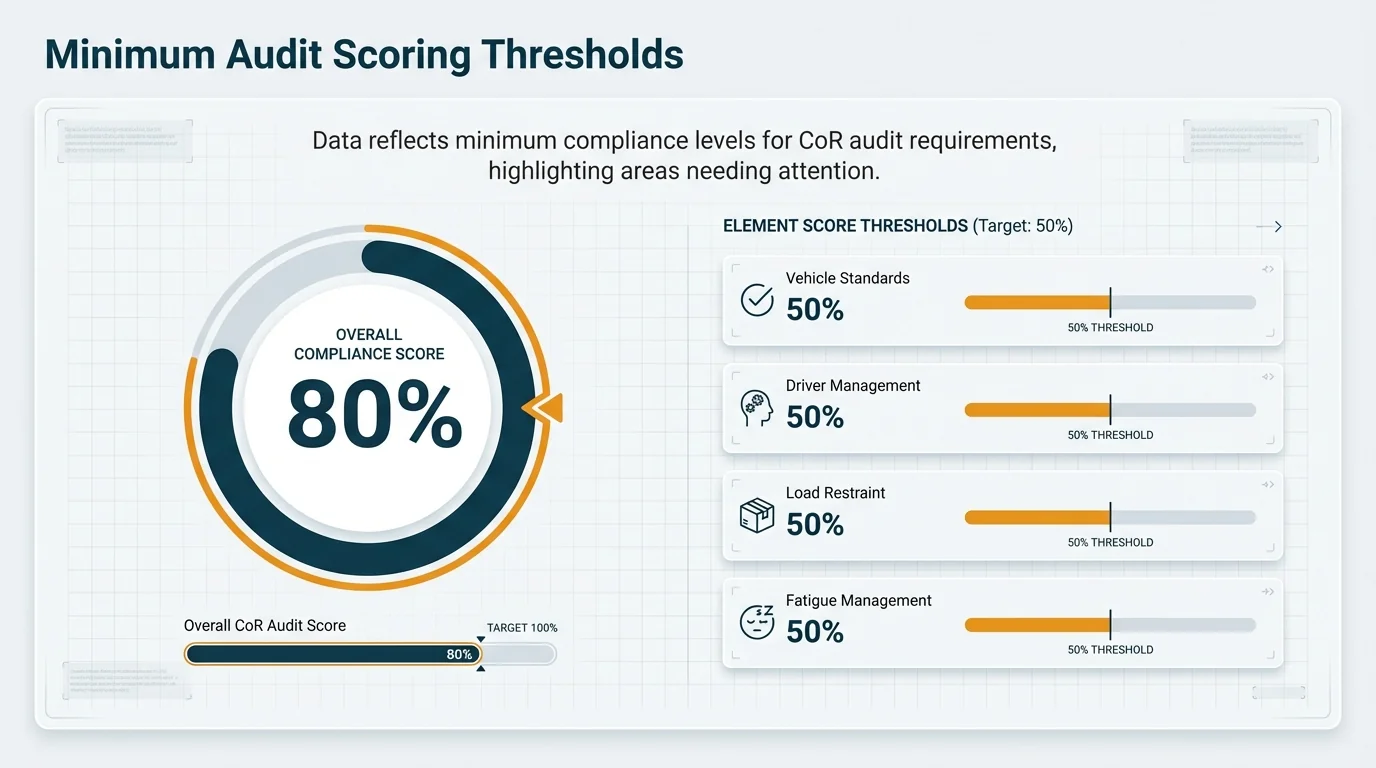
External audits by certified CoR auditors require minimum scoring thresholds such as 80% overall and 50% per element in provinces like Alberta. Technology platforms help organizations achieve these scores by maintaining complete documentation and demonstrating systematic safety management.
Digital compliance systems serve three primary functions. They document safety management processes with complete audit trails, automate monitoring and deadline tracking, and provide evidence of continuous improvement efforts.
Core Technology Requirements for COR Programs
Safety management systems implementation requires platforms that handle document management, training tracking, audit scheduling, and corrective action monitoring. Each component must integrate with your existing workflows while maintaining regulatory compliance.
Document management capabilities must support policy version control, electronic signatures, automated approvals, and searchable archives. Your compliance technology should maintain complete records of safety policies, procedures, work instructions, and regulatory updates.
Training records demand digital systems that track employee competency verification, course completion dates, certification expiries, and refresher training requirements. Automated reminders prevent lapses in mandatory safety training.
Internal audit capabilities must schedule audits, assign auditors, track findings, manage corrective actions, and generate compliance reports. Your technology should streamline the entire audit lifecycle from planning through verification.
Chain of Responsibility Integration Needs
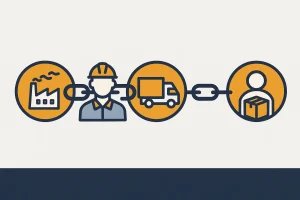
CoR compliance intersects with COR certification for organizations managing heavy vehicle operations. Chain of Responsibility obligations under the Heavy Vehicle National Law require documented systems for fatigue management, mass management, load restraint, and vehicle maintenance.
Compliance technology platforms must track driver hours, vehicle inspections, maintenance schedules, and loading procedures. Digital systems provide real-time visibility into compliance status across your fleet operations.
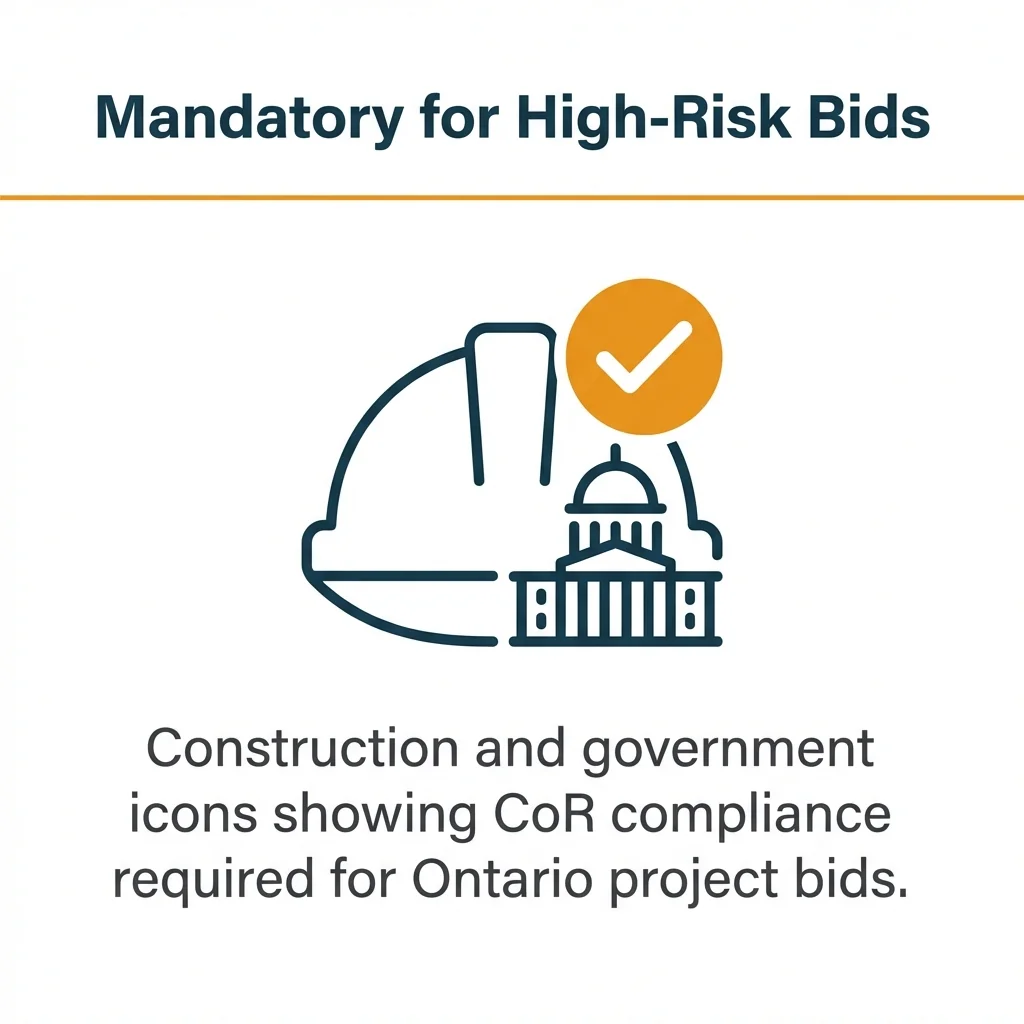
Compliance with CoR is often mandatory for bids in construction and other high-risk sectors, such as government and large contractor projects in Ontario. Technology platforms demonstrate your systematic approach to both workplace safety and heavy vehicle compliance.
Building Your COR Compliance Technology Foundation
Strong technology foundations start with management commitment and resource allocation. Executive leadership must champion digital transformation while providing budget, personnel, and time for implementation.
Successful implementations balance strategic oversight with practical execution. Compliance managers coordinate technology deployment while frontline supervisors ensure daily adoption across work sites.
Your foundation includes three layers. Governance structures define roles and accountability, technology infrastructure provides digital capabilities, and change management processes drive user adoption.
Establishing Governance Structures
Designate a compliance manager responsible for technology platform oversight. This individual coordinates system configuration, user training, data integrity, and continuous improvement initiatives.
Create a steering committee with representatives from operations, safety, IT, and human resources. This cross-functional team ensures technology solutions address real workflow needs rather than theoretical requirements.
Define clear accountability for data entry, document approvals, audit completion, and corrective action closure. Technology platforms work only when users maintain accurate, timely information.
Technology Infrastructure Considerations
Evaluate your existing IT capabilities before selecting compliance software. Consider network bandwidth, mobile device policies, cloud storage permissions, and integration requirements with current systems.
Most modern compliance platforms operate as cloud-based software-as-a-service solutions. This eliminates server maintenance while providing automatic updates and mobile accessibility.
Plan for data migration from existing spreadsheets, filing cabinets, and legacy systems. Your new platform requires historical training records, previous audit findings, and current safety documentation to provide complete compliance visibility.
Step 1: Assess Your Current Compliance Capabilities
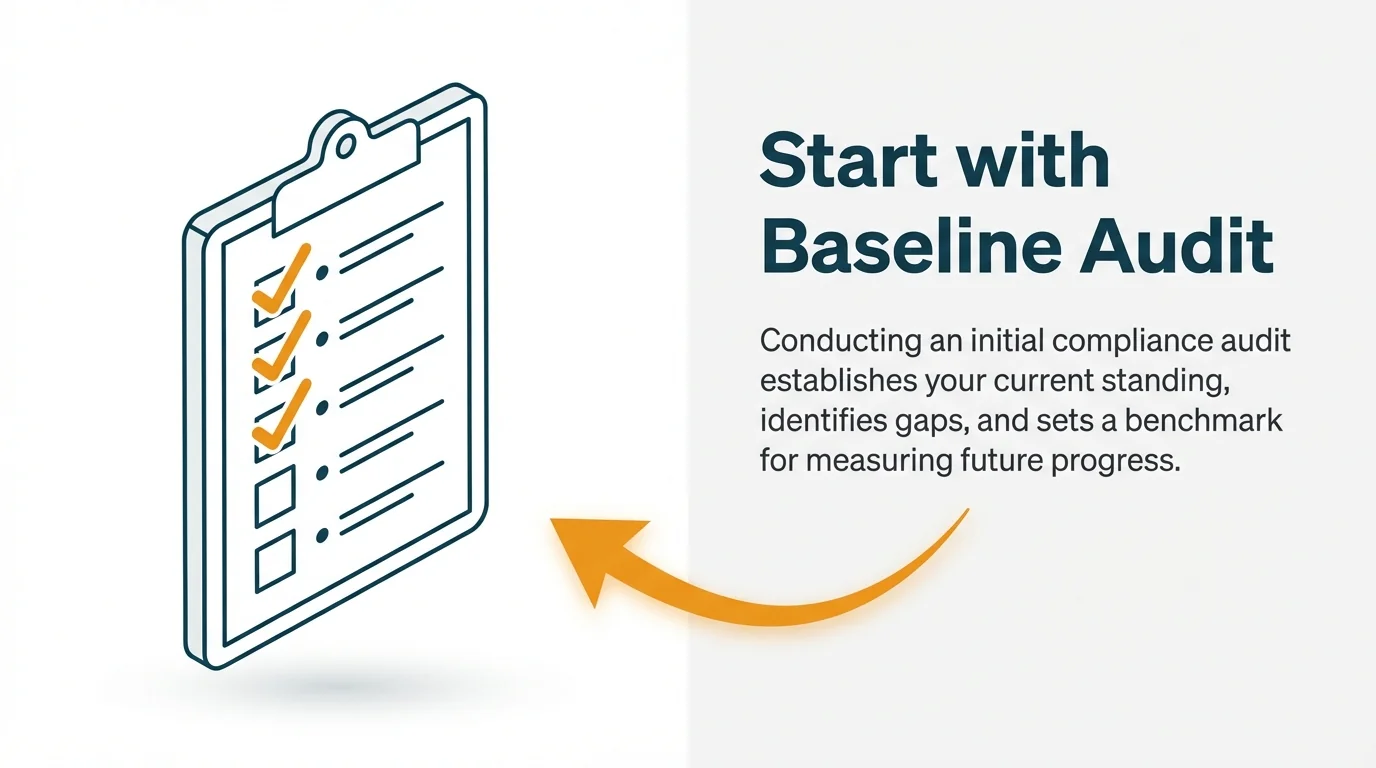
Gap analysis reveals the distance between your current state and COR certification requirements. Baseline audits evaluate existing safety management practices against recognized standards.
Start by reviewing your current documentation and recordkeeping methods. Identify what exists in paper files, spreadsheets, email folders, and disconnected databases.
Document your compliance pain points. Note where manual processes cause delays, where information gaps create audit risks, and where inconsistent practices reduce effectiveness.
Conducting a Baseline Audit
Baseline audits examine each element of your safety management system. Review written policies, hazard assessments, training records, inspection reports, incident investigations, and corrective action tracking.
Assign scores to each component based on completeness, accuracy, accessibility, and consistency. This quantitative assessment highlights priority improvement areas.
Interview employees across organizational levels. Frontline workers reveal practical implementation gaps that may not appear in documentation reviews.
Identifying Technology Gaps
Map current tools against compliance requirements. Note where spreadsheets create version control problems, where paper forms delay data access, and where disconnected systems duplicate effort.
Evaluate your ability to produce audit-ready reports. Can you quickly demonstrate training completion rates, outstanding corrective actions, or hazard assessment coverage?
Assess mobile accessibility needs. Field workers require technology that functions offline, syncs automatically, and works on tablets or smartphones.
| Compliance Area | Current Capability | Technology Gap |
|---|---|---|
| Policy Management | Word documents in shared folders | No version control or approval workflows |
| Training Records | Excel spreadsheets by department | No expiry notifications or centralized reporting |
| Audit Scheduling | Manual calendar entries | No automated reminders or progress tracking |
| Incident Reporting | Paper forms submitted to supervisors | Delayed data entry and limited trend analysis |
| Corrective Actions | Email threads between managers | No accountability tracking or closure verification |
Step 2: Select the Right Compliance Technology Platform
Choosing compliance software requires evaluating functional capabilities, industry specialization, user experience, integration options, and vendor support. Your platform must address COR compliance requirements while fitting your organizational context.
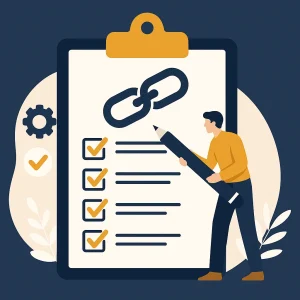
Start with a requirements checklist. List must-have features that directly support certification needs versus nice-to-have enhancements that provide marginal value.
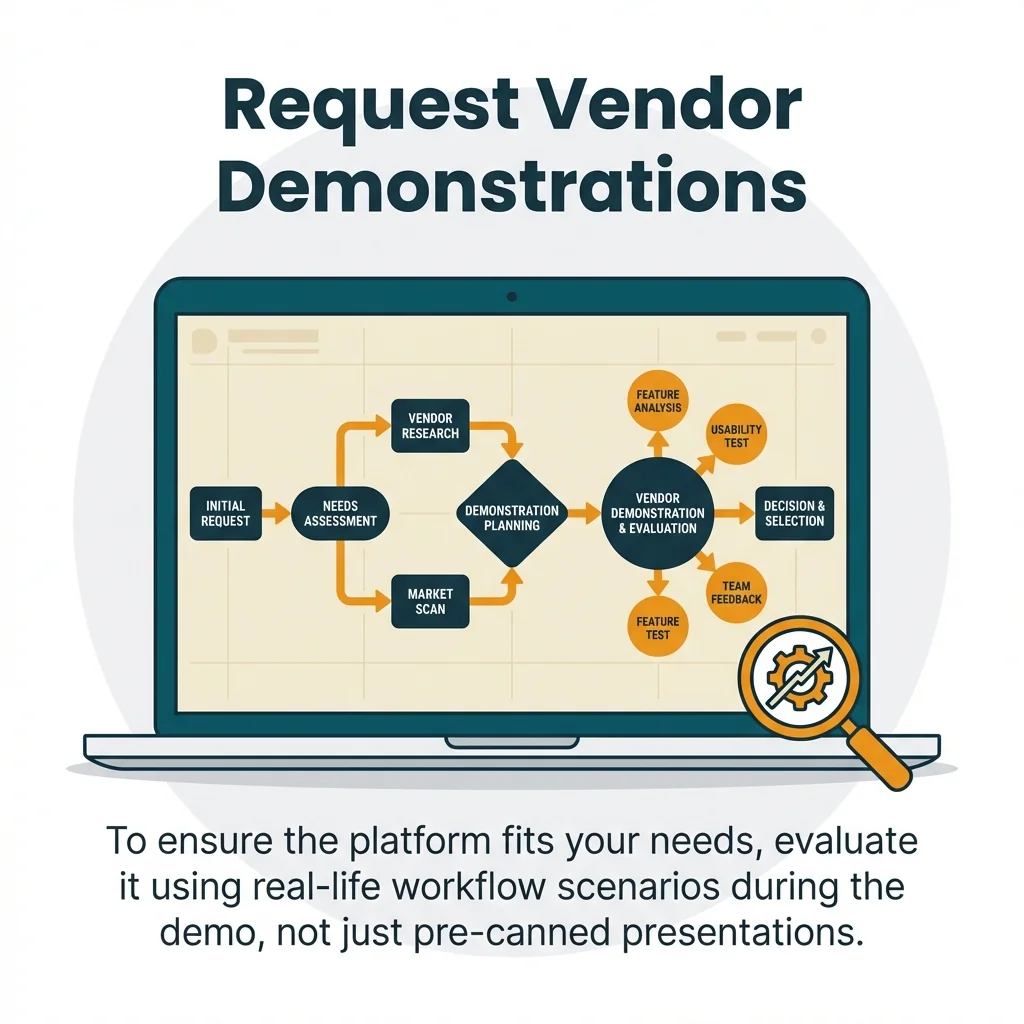
Request demonstrations from multiple vendors. Watch how their platforms handle your specific workflows rather than accepting generic feature presentations.
Evaluating Key Platform Capabilities
Document management functionality must support unlimited file storage, granular access permissions, full text search, and automated retention policies. Your compliance software should serve as the single source of truth for safety documentation.
Training management requires course catalogs, assignment workflows, completion tracking, certification monitoring, and automated renewal notifications. Look for platforms that integrate with learning management systems or provide built-in training delivery.
Audit preparation features should include customizable checklists, evidence attachment capabilities, finding categorization, corrective action workflows, and executive dashboards. The platform must streamline both internal audits and external certification audits.
Automated monitoring capabilities distinguish basic compliance software from sophisticated safety management systems. Your platform should track upcoming deadlines, flag incomplete actions, identify overdue items, and escalate critical issues.
Integration and Scalability Requirements
Evaluate how compliance platforms connect with existing systems. Look for API capabilities, pre-built integrations, data import tools, and export functionality.
Consider future growth needs. Your platform should accommodate additional users, expanded workflows, new compliance requirements, and multi-site operations without expensive customization.
Request trial access with your actual data. Configure the platform for your workflows, test user permissions, generate sample reports, and verify mobile functionality.
Step 3: Implement Digital Documentation Systems
Digital documentation transforms paper-based safety management into searchable, auditable, accessible compliance systems. Implementation requires careful migration planning, systematic organization, and user adoption strategies.
Begin by establishing your document taxonomy. Create logical categories for policies, procedures, forms, reports, and records that match how your teams actually work.
Define document ownership and approval workflows. Specify who can create, edit, approve, and archive different document types within your compliance technology.
Migrating Existing Documentation
Prioritize critical documents for initial migration. Start with current safety policies, active training records, recent audit findings, and open corrective actions.
Clean data during migration. Eliminate duplicate files, archive obsolete versions, and standardize naming conventions before moving content into your new platform.
Validate migrated information through spot checks. Verify that training dates, policy versions, and audit findings transferred accurately into digital systems.
Creating Digital Workflows
Map paper-based processes into digital equivalents. Replace physical signature routing with electronic approval chains, manual filing with automated document storage, and static forms with dynamic data collection.
Build standardized templates for incident reports, hazard assessments, inspection checklists, and meeting minutes. Templates ensure consistent information capture while reducing documentation time.
Configure automated notifications for pending approvals, missing information, and approaching deadlines. Digital documentation systems work best when they actively guide users rather than passively storing files.
Establish clear recordkeeping requirements for different document types. Define retention periods, archival processes, and disposal procedures that satisfy both regulatory compliance and operational needs.
Step 4: Establish Automated Monitoring and Tracking
Automated monitoring shifts compliance management from reactive scrambling to proactive planning. Technology platforms track deadlines, monitor completion status, identify trends, and alert stakeholders without manual intervention.
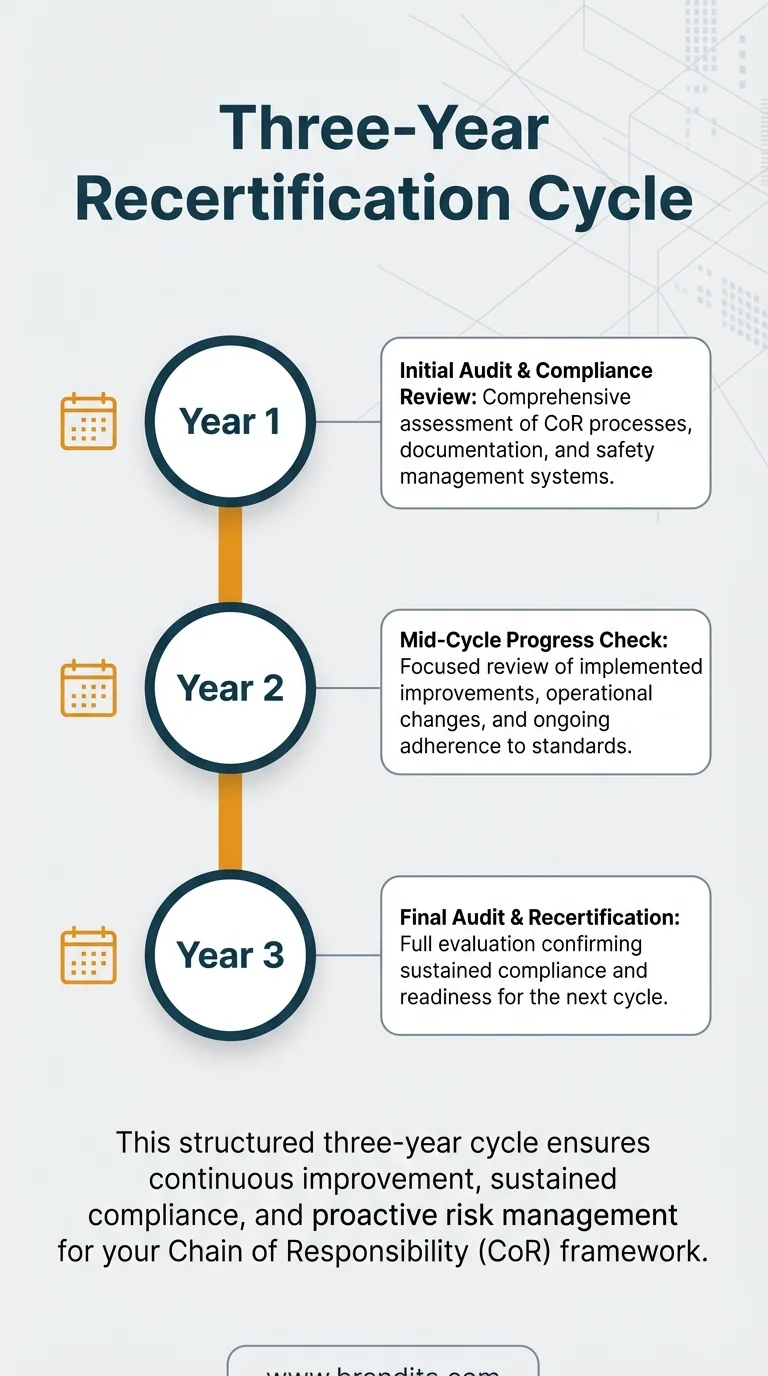
Post-certification requires annual internal or external maintenance audits with full recertification every 3 years. Automated monitoring ensures you never miss critical compliance deadlines.
Configure your compliance technology to track all time-sensitive obligations. Include training expiries, audit schedules, certification renewals, policy reviews, and corrective action due dates.
Setting Up Compliance Calendars
Build a master compliance calendar within your safety management system. Plot all recurring obligations, one-time deadlines, and milestone dates across your certification cycle.
Configure multi-level notifications that escalate as deadlines approach. Initial reminders might go to responsible individuals, while final warnings alert supervisors and compliance managers.
Link calendar items to specific workflows. When an audit date arrives, your platform should automatically generate audit checklists, notify assigned auditors, and track completion progress.
Implementing Real-Time Dashboards
Executive dashboards provide instant visibility into overall compliance health. Configure widgets that display training completion rates, overdue corrective actions, upcoming audit dates, and incident trends.
Create role-specific views for different users. Frontline supervisors need operational details, while senior leaders require strategic summaries.
Enable drill-down capabilities that let users investigate underlying data. A dashboard showing 85% training completion should link to reports identifying which employees need which courses.
Schedule automated report distribution to key stakeholders. Monthly compliance summaries keep leadership informed without requiring manual report generation.
Step 5: Train Your Team on Technology Systems
Technology adoption depends on comprehensive training that builds user confidence and demonstrates practical value. Training programs must address different user roles, technical skill levels, and workflow requirements.
Develop role-based training modules. Frontline workers need mobile app basics, supervisors require reporting capabilities, and administrators demand system configuration knowledge.
Use hands-on practice with real scenarios rather than abstract demonstrations. Walk users through common tasks like submitting incident reports, completing training assignments, and checking audit schedules.
Creating Training Materials
Build a library of quick reference guides, video tutorials, workflow diagrams, and FAQ documents. Users should access help resources within the compliance technology platform itself.
Develop job aids for infrequent tasks. Step-by-step guides help users complete quarterly audits, annual policy reviews, or certification renewals without remembering complex procedures.
Create troubleshooting resources that address common errors. Document solutions for login problems, data sync issues, and report generation questions.
Driving Initial Adoption
Launch with a pilot group of enthusiastic users. Their feedback helps refine workflows before full organizational rollout.
Identify champions within each department who receive advanced training and provide peer support. Champions answer questions, troubleshoot problems, and encourage reluctant adopters.
Celebrate early wins publicly. Share success stories about time saved, audit preparation improvements, or near-miss incidents prevented through better monitoring.
Monitor usage metrics to identify struggling users. Proactive outreach to individuals with low login rates or incomplete training often prevents long-term adoption failure.
Best Practices for Maintaining COR Compliance Technology
Successful technology platforms require ongoing maintenance, continuous improvement, and sustained management commitment. Post-implementation excellence demands the same attention as initial deployment.
Schedule regular system health checks. Review data quality, verify integration functionality, check storage capacity, and update user permissions quarterly.
Continuous improvement should follow a systematic cycle. Collect user feedback, analyze pain points, prioritize enhancements, implement changes, and measure results.
Optimizing System Performance
Conduct quarterly reviews of your compliance technology configuration. Identify underutilized features, redundant workflows, and opportunities for automation expansion.
Analyze your most frequently generated reports. Build these as standard templates with scheduled distribution rather than requiring manual creation each time.
Review access permissions as roles change. Remove terminated users, update department assignments, and verify that confidential information remains properly restricted.
Clean data regularly by archiving closed corrective actions, removing obsolete documents, and consolidating duplicate records. Database performance degrades when filled with unnecessary information.
Leveraging Advanced Capabilities
Explore predictive analytics features that identify emerging risks. Compliance software can spot patterns like increasing near-miss incidents in specific departments or declining training completion trends.
Integrate mobile technologies for field operations. Tablets enable on-site hazard assessments, smartphones facilitate immediate incident reporting, and wearable devices track environmental conditions.
Expand beyond basic compliance to strategic safety management. Use your technology platform for safety culture assessments, leading indicator tracking, and proactive risk reduction initiatives.
| Maintenance Activity | Frequency | Responsible Party |
|---|---|---|
| Data quality audits | Monthly | Compliance manager |
| User access reviews | Quarterly | System administrator |
| Workflow optimization | Quarterly | Steering committee |
| Training refreshers | Annually | Department supervisors |
| Platform upgrades | As released | IT department |
Preparing for External Audits
Your compliance technology should make audit preparation seamless. Configure standard audit packages that automatically compile required evidence from your digital documentation systems.
Run audit readiness reports monthly. These assessments identify missing documentation, overdue corrective actions, and gaps in training records before external auditors arrive.
Practice generating compliance evidence using the same reports auditors will request. Verify that your platform produces complete, accurate, professionally formatted documentation.
Provide auditors with appropriate platform access. Many compliance software systems include guest accounts that let external auditors review documentation without compromising security.
Quick Answers to Common Questions
How to implement a compliance program?
Implement a compliance program by conducting a risk assessment, developing clear written policies, appointing a compliance officer, providing comprehensive employee training, establishing confidential reporting channels, and conducting regular monitoring and audits to ensure ongoing effectiveness.
How is technology used in compliance?
Technology automates compliance monitoring through real-time dashboards, AI-powered risk detection, automated approval workflows, and compliance software that tracks requirements across jurisdictions while reducing manual effort and human error.
What are the 5 key areas of compliance?
Key compliance areas include written policies and procedures, oversight and governance with designated leadership, employee training and education, monitoring and auditing mechanisms, and reporting channels with whistleblower protections to encourage transparent communication.
Moving Forward with Confidence
COR compliance technology transforms safety management from administrative burden into strategic advantage. Digital platforms provide the documentation, monitoring, and audit preparation capabilities that certification demands.
Your implementation journey follows a clear path. Assess current capabilities to identify gaps, select technology platforms that fit your needs, deploy digital documentation systems with proper training, and maintain effectiveness through automated monitoring.
Start with your baseline audit this week. Document what works, identify what needs improvement, and begin researching compliance technology solutions that address your specific requirements.
Technology alone won’t achieve certification. Success requires management commitment, employee engagement, and systematic processes supported by the right digital tools. Build these elements together for lasting compliance excellence.